Hover to play
A simple UI that gets out of your way
The controls fade out when the mouse moves away from them, and only the image stays on screen.


Image viewer
Free download
Coming soon

An ergonomic, fast, no-nonsense image viewer
Between 2× and 4× zoom, Zeiger blends from linear filtering to nearest neighbour, and each image pixel becomes a sharp square. From 8× a pixel grid fades in, and at 24× it is fully visible. Zoomed out, Zeiger draws the image from mipmaps, without aliasing. You can change all of these thresholds in the settings.
GIF, APNG and animated WebP play when they open. The playback bar has play and pause, and you can scrub through the frames. Space pauses and resumes.
Rotate, crop, and adjust brightness, contrast, saturation, hue and gamma. By default, Save writes the result to a new file next to the original, and the original does not change.
The controls fade out when the mouse moves away from them, and only the image stays on screen.
One key switches how images fit the window.
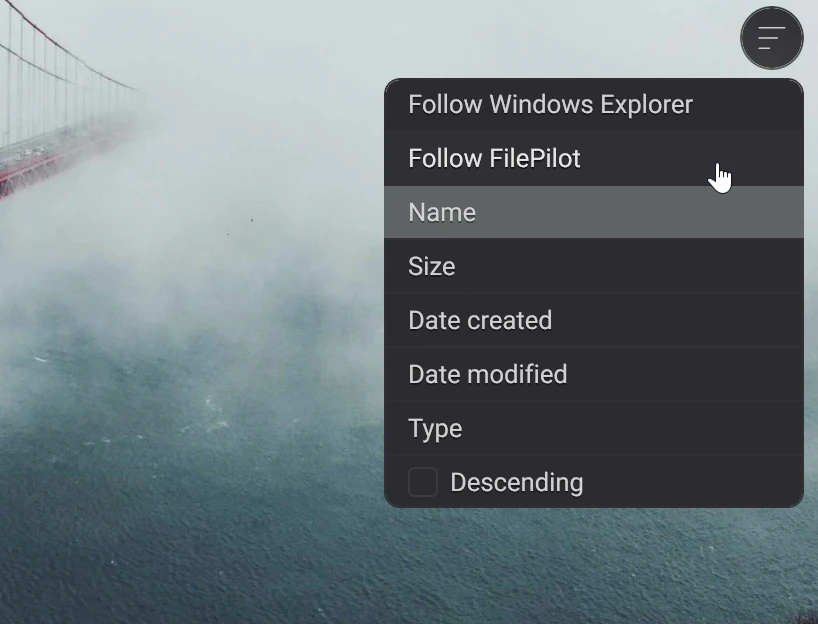
Zeiger follows the sort order of Windows Explorer, Finder or FilePilot, or sorts by name, size, date or type.
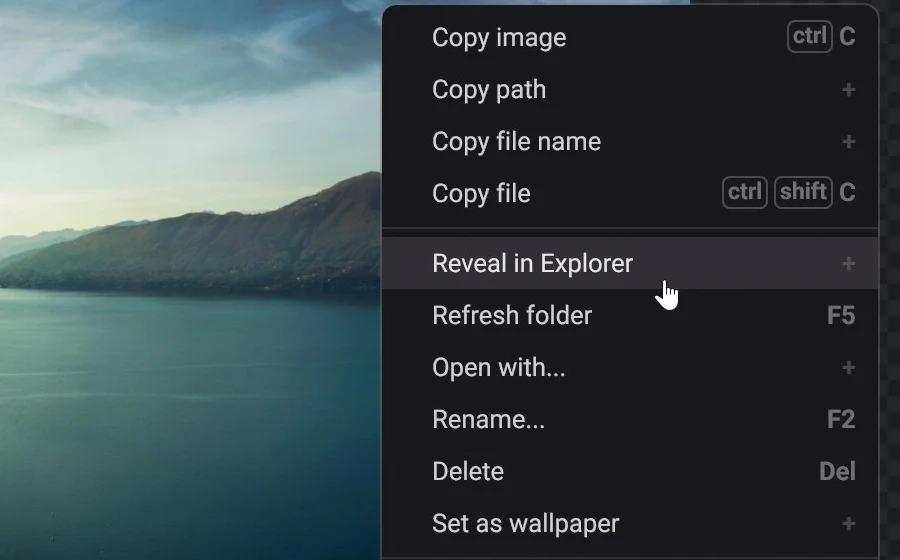
Copy the image, its path, its name or the file. Show it in Explorer or Finder, open it with another app, rename or delete it, or set it as the wallpaper.
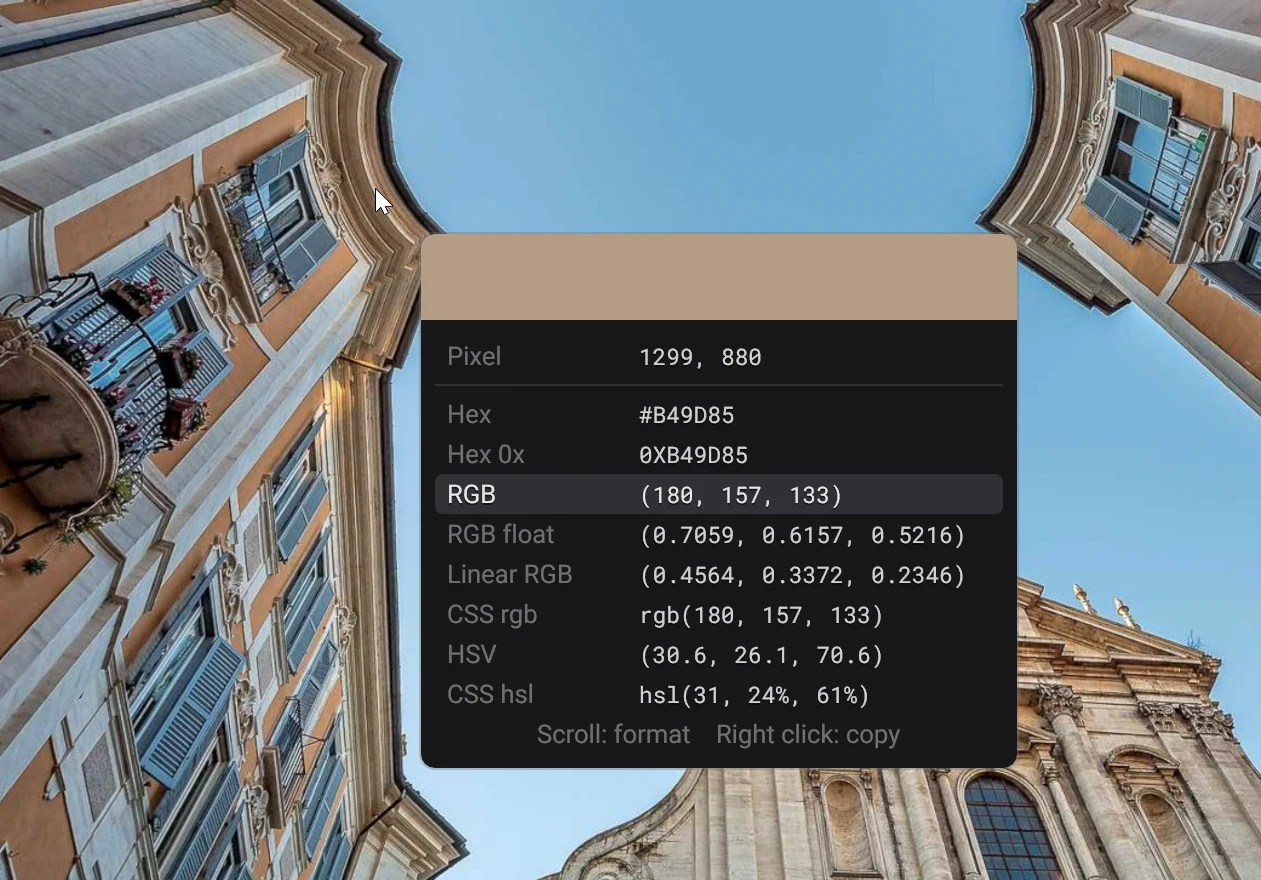
Hold the middle mouse button over the image to pick a color, then right-click to copy it, with support for common formats: Hex, RGB, RGB float, linear RGB, HSV, CSS rgb or CSS hsl.
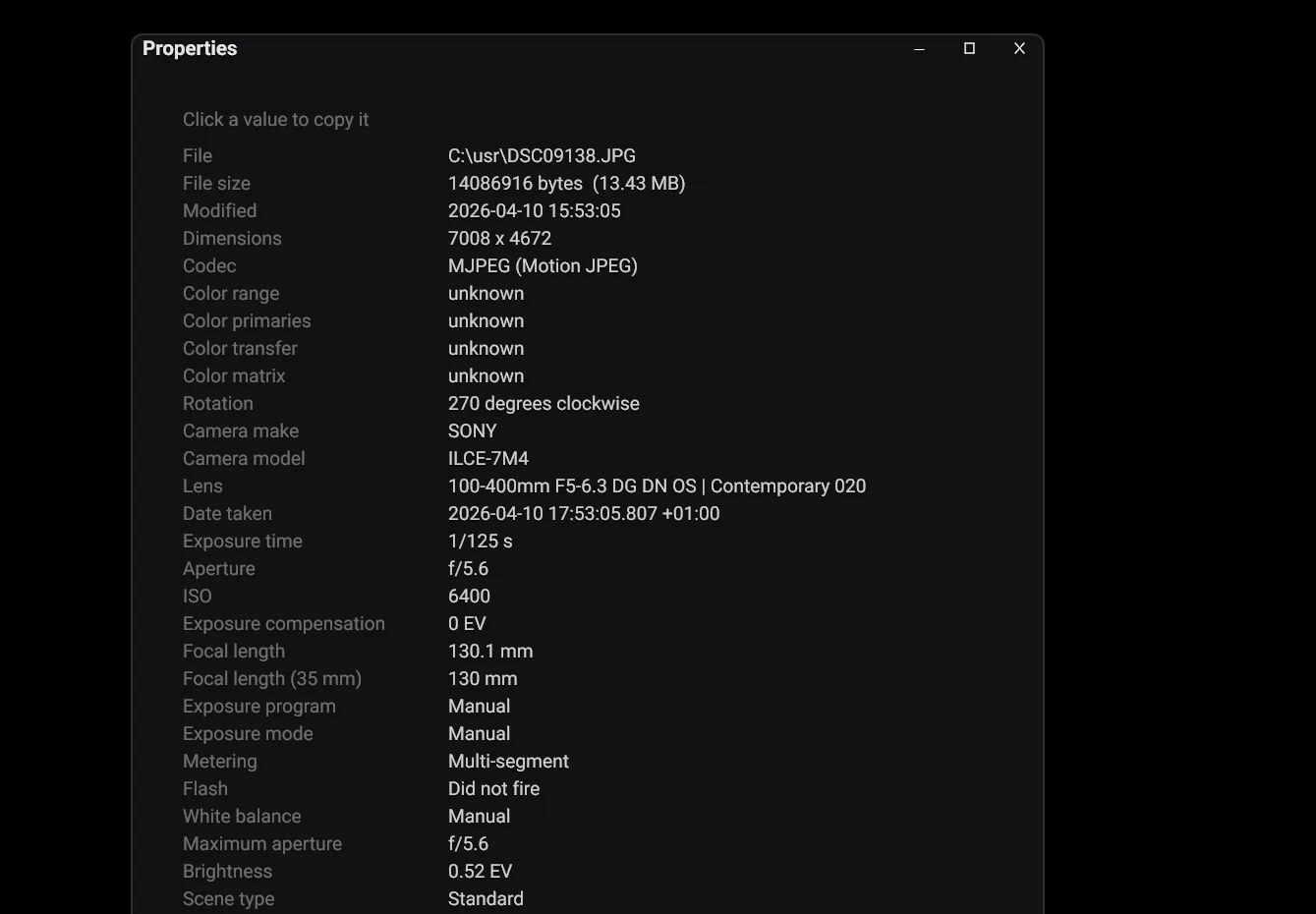
The properties panel shows the file details and the camera metadata. You can copy each value.
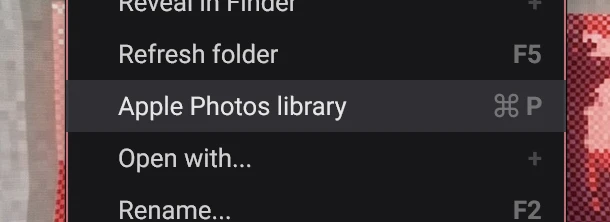
On a Mac, Zeiger opens your Apple Photos library, including photos stored in iCloud, once you allow access.
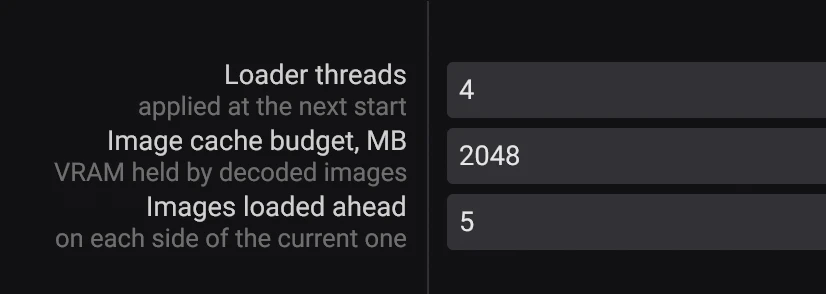
Zeiger decodes the images around the current one ahead of time. The settings control the VRAM budget, the number of loader threads and how many images load ahead.
These are the defaults. You can rebind every action in the settings, including the ones that have no default key.
Zeiger decodes these formats through FFmpeg, plus its own reader for DDS.

Zeiger is completely free, for both personal and commercial use. It runs on the same technology used to make Blick, our native video editor for Windows and macOS. Questions, bug reports and ideas for Zeiger are welcome on the Blick Discord.
 Join our Discord
 X
X
 Instagram